
4 Best Tools to Bridge the Gap Between CRM and ITSM Systems
Most companies don’t notice the gap right away.
CRM works. ITSM works. Salesforce handles customer interactions, deals, and cases. ServiceNow or similar tools manage incidents, requests, and internal operations.
Individually, everything looks fine.
The problem appears in the moments when these systems are supposed to connect.
A customer reports an issue. Sales knows about it. Support logs it. IT needs to act on it. And suddenly, information starts moving through people instead of systems.
That is where the gap lives.
Not in the tools themselves, but in how they fail to meet in the middle.
Why CRM and ITSM Drift Apart Over Time
At the beginning, the separation makes sense.
CRM focuses on customers. ITSM focuses on internal processes. Different teams, different goals, different workflows.
But as the company grows, those worlds start overlapping.
Customer issues become technical incidents. Sales conversations depend on IT updates. Support teams need visibility into what is happening behind the scenes.
Without a strong connection, that overlap turns into friction.
It usually shows up in patterns that feel familiar:
- Customer issues are tracked differently in each system
- IT updates do not reach customer-facing teams in time
- Teams rely on messages instead of system data
- Context gets lost when work moves between systems
- The same issue exists in multiple places without a clear link
Nothing is technically broken. But everything requires extra effort.
What It Means to “Bridge the Gap”
Bridging the gap is not just about syncing records.
It is about making sure that once something happens in one system, the other system reacts without delay or confusion.
A case in CRM should not need manual conversion into an incident. An incident update should not need to be copied back into CRM.
The connection should already exist.
When that happens, teams stop thinking about where information lives. They just work with it.
1. Peeklogic Salesforce ServiceNow Connector
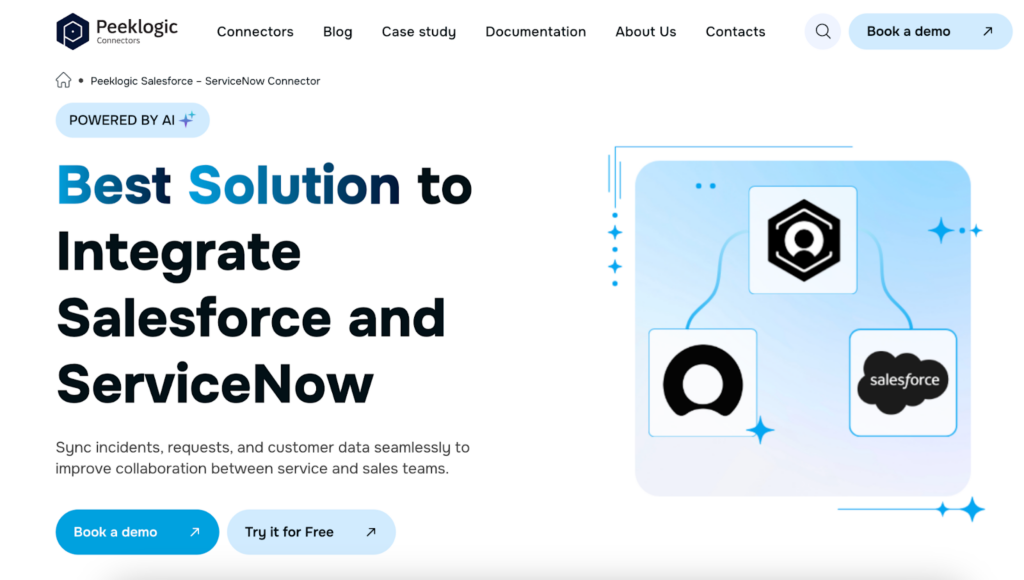
The gap between CRM and ITSM is most visible when customer issues need to become technical actions.
Without a direct connection, that step usually depends on someone noticing, deciding, and manually creating the link.
The Salesforce ServiceNow Connector from Peeklogic removes that step entirely.
It keeps Salesforce and ServiceNow synchronized, so cases and incidents stay connected automatically. Updates move in both directions without manual input.
It also brings ServiceNow data directly into Salesforce, which reduces the need to switch between tools.
Teams use it for:
- Two-way synchronization between Salesforce and ServiceNow
- Syncing incidents, requests, and custom records
- Real-time visibility of ITSM data inside Salesforce
- Creating and linking incidents directly from Salesforce
- Syncing comments, work notes, and attachments
Instead of bridging the gap manually, the system handles it continuously.
2. MuleSoft
In larger environments, the gap is not just between two systems.
It exists across multiple platforms, each with its own structure and logic. Connecting them directly often leads to inconsistent results.
MuleSoft approaches the problem differently.
It creates a structured layer through APIs, which allows systems to communicate in a consistent way. Instead of building individual connections, it standardizes how everything interacts.
Teams rely on it for:
- Building API-based integrations across CRM and ITSM systems
- Standardizing data flow between platforms
- Supporting complex enterprise environments
- Managing integrations at scale
- Connecting legacy systems with modern tools
It is often used when the goal is not just connection, but long-term stability.
3. Workato
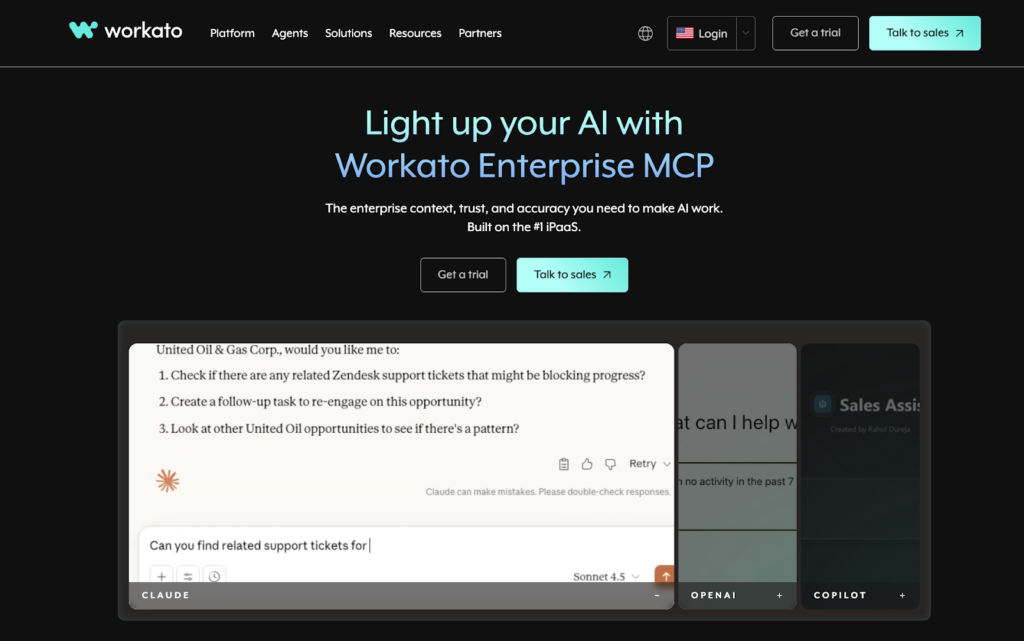
Some gaps are not about data, but about what happens next.
A customer issue appears in CRM, but nothing triggers the IT process automatically. An incident is resolved, but that update does not flow back into the customer workflow.
Workato focuses on that movement.
It allows teams to define how actions should flow between systems, so processes continue without manual intervention.
Teams use it for:
- Automating workflows between CRM and ITSM systems
- Triggering actions based on events in Salesforce
- Reducing manual coordination between teams
- Connecting multi-step processes across tools
- Managing workflow logic across systems
It works best when the goal is to connect processes, not just records.
4. Boomi
When systems grow over time, integrations often become fragmented.
Each connection solves a specific problem, but together they do not form a clear structure. The gap is still there, just hidden behind multiple integrations.
Boomi helps bring that structure back.
It allows teams to manage integrations as a whole, instead of handling them one by one.
Teams use it for:
- Building integrations through a visual interface
- Managing connections across CRM, ITSM, and other systems
- Supporting both simple and complex integration needs
- Scaling integrations as systems evolve
- Maintaining flexibility without constant rebuilding
It is often used when the environment has outgrown simple point-to-point connections.
Why the Gap Keeps Coming Back
Even with integrations in place, the gap can return.
This usually happens when connections are incomplete.
Data might sync, but not in real time. Or only in one direction. Or without enough context to be useful.
So people step in again.
They check, adjust, confirm. And the system slowly becomes dependent on manual work again.
That is how the gap reappears.
How to Recognize the Gap in Your Own System
The gap rarely announces itself clearly.
Instead, it shows up in how work feels.
You notice that updates require follow-ups. You see the same issue being tracked in multiple places. You realize that certain steps only happen when someone pushes them forward.
Nothing is fully broken, but nothing feels connected either.
That is usually the signal.
What Changes When the Gap Is Removed
When CRM and ITSM finally work together the way they should, the difference is not dramatic.
Things just stop getting in the way.
Customer issues move directly into IT processes. IT updates flow back into customer workflows. Teams no longer need to ask what is happening.
There is less coordination, less duplication, and less uncertainty.
Work becomes more direct.
The Right Tool Depends on Where the Gap Exists
Not every gap looks the same.
Sometimes it is between two systems. Sometimes it spans multiple platforms. Sometimes it is about data. Sometimes it is about workflows.
That is why there is no single solution that fits every case.
The key is understanding where the gap actually is.
Once that is clear, the right tool becomes easier to identify.
The Gap Is Not a Technical Problem
It is easy to think of this as an integration issue. But in reality, the gap is about how work moves. If systems do not reflect how teams operate, people will always fill the space manually.
The goal is not just to connect tools. It is to remove the need for those manual steps entirely.
When the Gap Closes, Everything Feels Simpler
There is no big moment when everything suddenly improves.
Instead, small frustrations disappear.
Fewer checks. Fewer messages. Fewer situations where something needs to be clarified.
The system starts to feel like it supports the work instead of slowing it down.
And that is usually enough. Because once the gap is gone, the chaos does not have anywhere to grow.